AppCleaner
AppCleaner
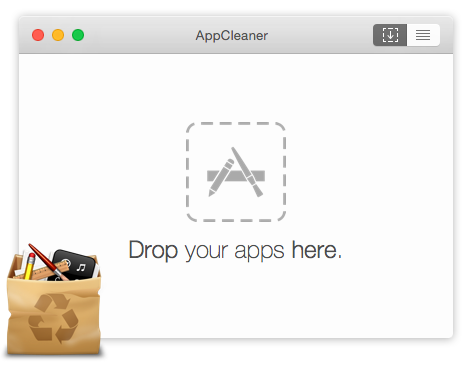
コンピューターからアプリを削除するとき、AppCleaner はそのアプリに関連するファイルを探し、まとめて削除できるようにしてくれます。
Bitwarden
Best Password Manager for Business, Enterprise & Personal | Bitwarden | Bitwarden
Bitwarden is the trusted, open source password manager for individuals, teams, and enterprises. Securely store, share, and manage passwords, passkeys, and secrets. Free to start.
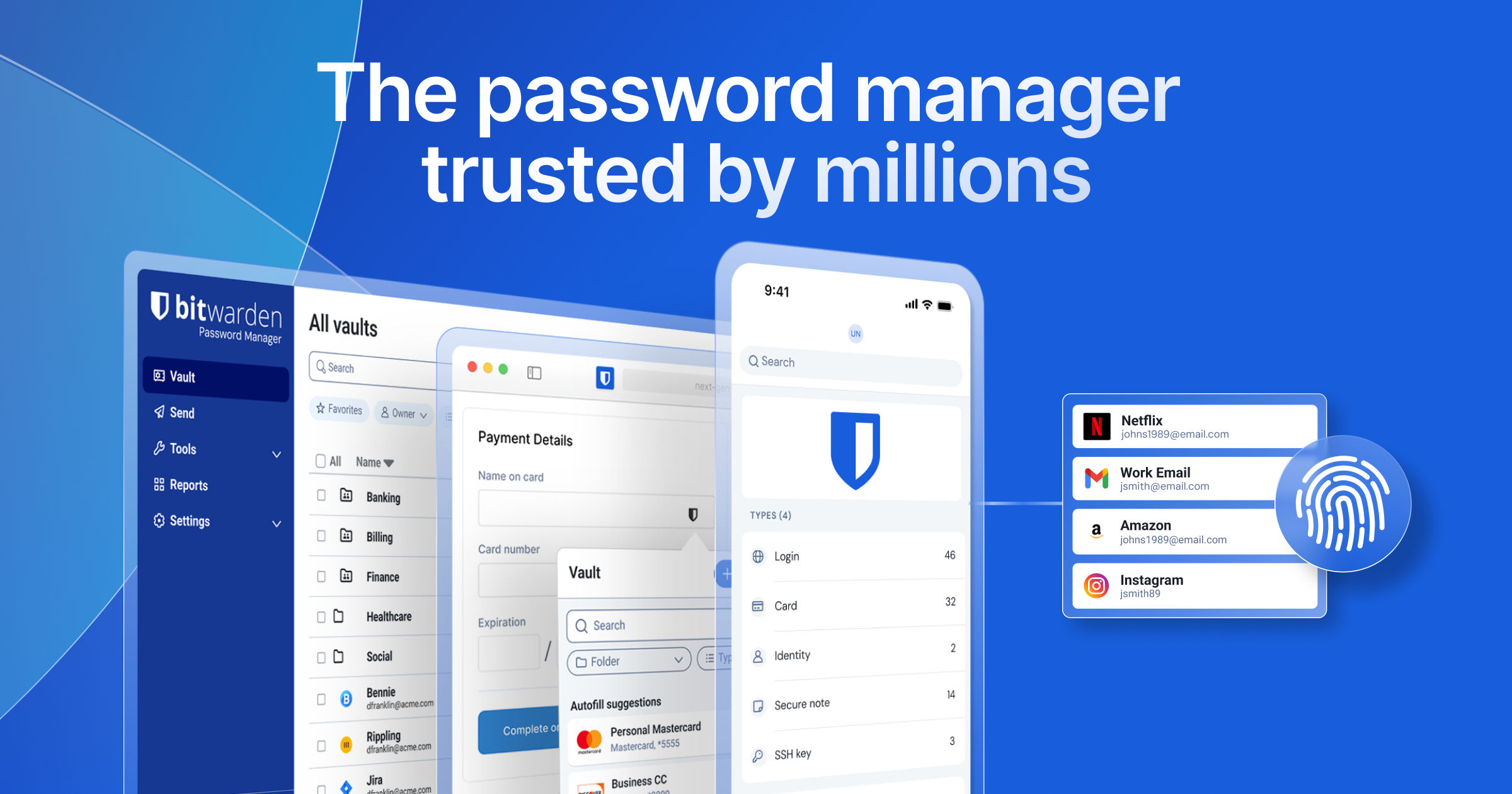
Bitwarden は、無料で便利かつ安全なオープンソースのパスワードマネージャーです。Mac、Windows、Linux、Android、iOS に対応し、ブラウザ拡張機能としても使用できます。
Clipy
Clipy - Clipboard Manager for macOS
A free, open-source clipboard manager for macOS. Access your clipboard history and quickly paste frequently used text with snippets.
Clipy は、無料でオープンソースのクリップボード拡張アプリです。メニューバーのアイコンまたはショートカットキー cmd + shift + v から使用できます。スニペットマネージャーとしても利用できます。
CotEditor
CotEditor
Text Editor for macOS
CotEditor は、多くの便利な機能を備えた軽量なオープンソースのテキストエディタです。コーディングにも使用できます。
coconutBattery
coconutBattery 4 - by coconut-flavour.com
With coconutBattery you are always aware of your current battery health. It shows you live information about the battery in your Mac and iOS devices (iPhone, iPad)
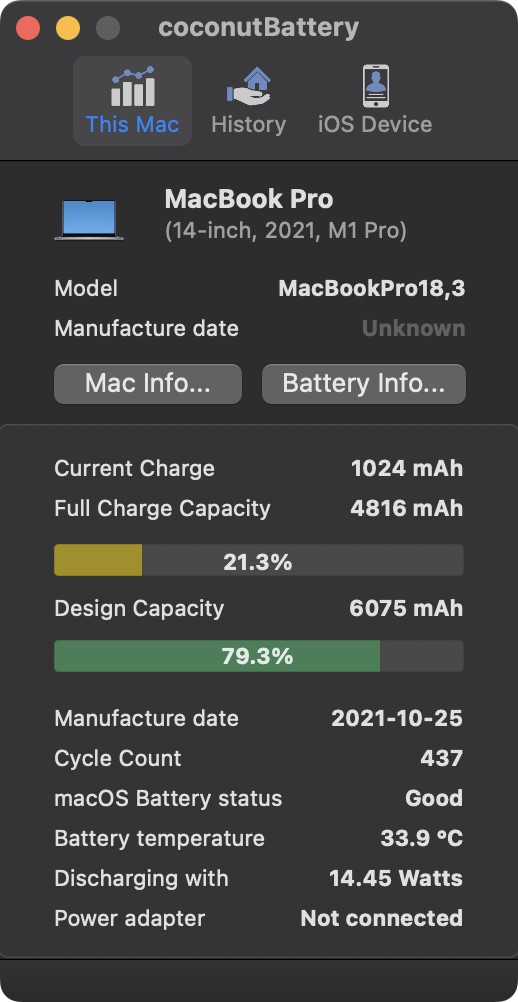
coconutBattery を使うと、Mac、iPad、iPhone のバッテリー情報を確認できます。
draw.io
Flowchart Maker & Online Diagram Software
draw.io is free online diagram software for making flowcharts, process diagrams, org charts, UML, ER and network diagrams

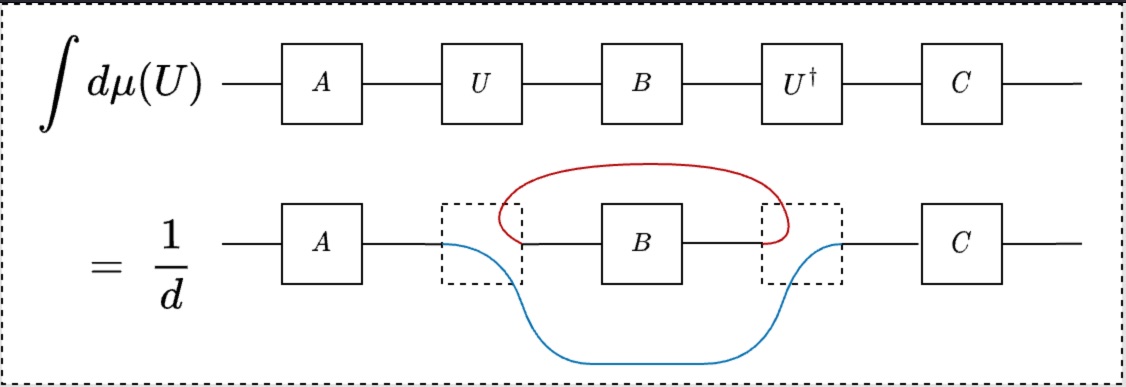
draw.io は、フローチャートやネットワーク図などを作成できる無料のオープンソース作図ソフトウェアです。UI がシンプルで使いやすく、ブラウザまたはデスクトップアプリから利用できます。図の中に の数式を配置することもできます。
Hand Mirror
Hand Mirror, for Mac
A quick camera check, right from the menu bar
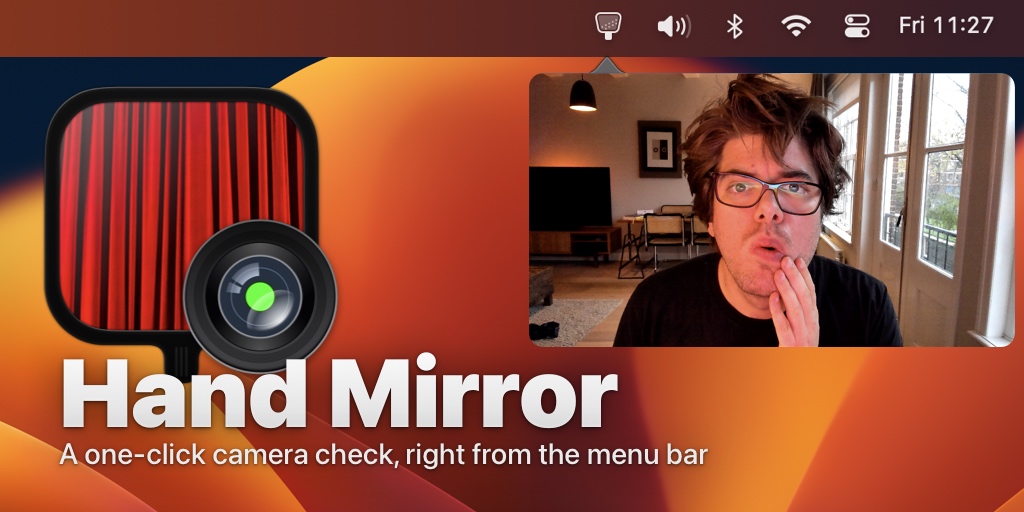
Hand Mirror は、Mac のカメラで自分の顔を確認するための無料アプリです。メニューバーのアイコンまたはショートカットキーから開けます。
ImageOptim
ImageOptim — better Save for Web
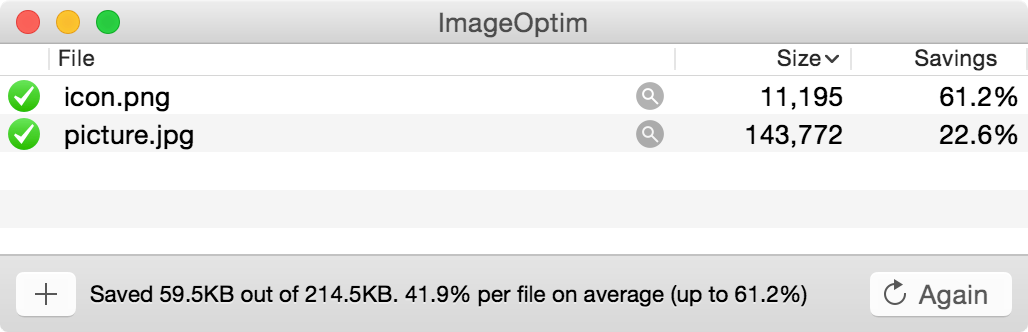
ImageOptim は、画像を圧縮するための無料でオープンソースのアプリです。画質を落とさずに画像を圧縮できます。コマンドラインからも使用でき、たとえば次のコマンドで現在のディレクトリにあるすべての画像を圧縮できます。
$ open -a ImageOptim .Mathpix Snipping Tool
Mathpix: Document Conversion Done Right
Convert images and PDFs to LaTeX, DOCX, Overleaf, Markdown, Excel, ChemDraw and more, with our AI-powered document conversion technology.

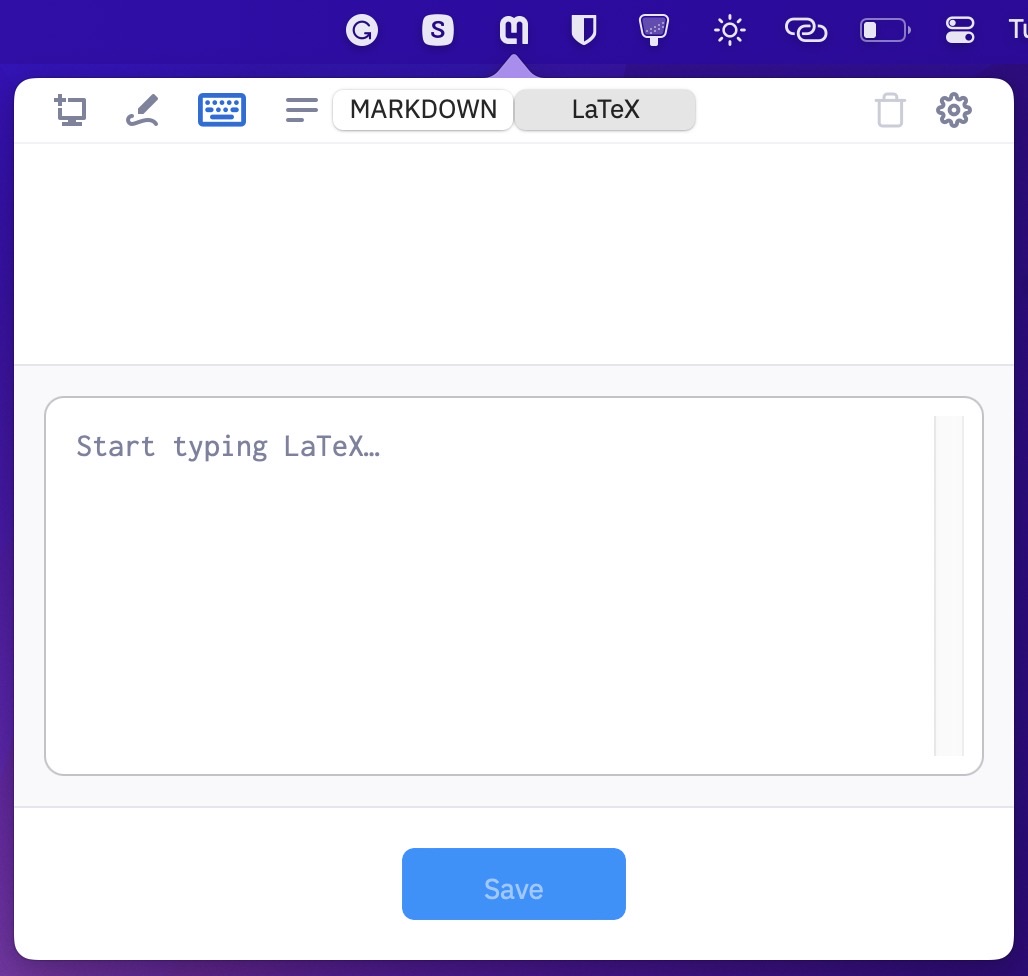
Mathpix Snipping Tool は、画像を LaTeX へ変換する無料アプリです。cmd + ctrl + M でスクリーンショットを撮ると、画像内の数式を LaTeX へ変換できます。メニューバーから LaTeX 数式の画像を作成することもできます。
MonitorControl
MonitorControl/MonitorControl
🖥 Control your display's brightness & volume on your Mac as if it was a native Apple Display. Use Apple Keyboard keys or custom shortcuts. Shows the native macOS OSDs.
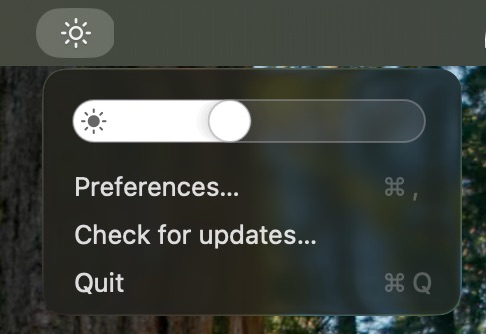
MonitorControl は、外部モニターの明るさを調整するための無料でオープンソースのアプリです。モニター本体のボタンを使わず、ショートカットキーで明るさを調整できます。
Rectangle
Rectangle
Move and resize windows in macOS using keyboard shortcuts or snap areas. The official page for Rectangle.
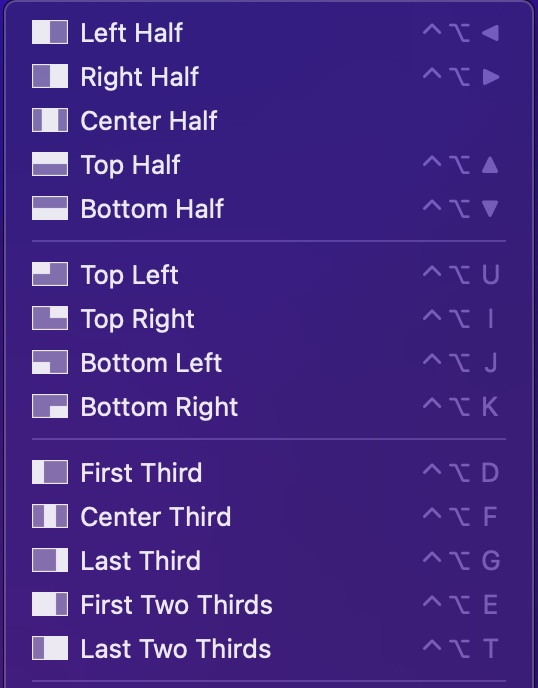
Rectangle は、アプリケーションウィンドウのサイズや位置を調整する無料アプリです。メニューバーのアイコン、ショートカットキー、または画面端へのドラッグで操作できます。
Stay
Cordless Dog: Stay

Rectangle とあわせて紹介したいのが Stay です。デスクトップ上にある複数のアプリウィンドウの配置を保存できます。複数のモニターごとにレイアウトを保存することも可能です。ノートパソコンをモニターへ接続または取り外すたびに、ウィンドウサイズを調整し直す必要がなくなります。
Shottr
Shottr – screenshot app for pixel professionals
Shottr is a free macOS screenshot app with scrolling screenshots, OCR, annotation and measurement instruments.

Shottrは無料のスクリーンショットアプリです。画面全体はcmd + shift + 1、選択範囲はcmd + shift + 2、アクティブウィンドウはcmd + shift + 8、スクロールを含むページ全体はcmd + shift + 9で撮影できます。- 撮影直後にスクリーンショットを編集できます。機密情報のぼかし、不要部分の削除、矢印、ハイライト、テキストボックス、長方形などを追加できます。
- 特に便利なのは、多言語OCR でスクリーンショットをテキストへ変換できる機能です。ショートカットは
cmd + option + ctrl + oです。
Syntax Highlight
sbarex/SourceCodeSyntaxHighlight
Quick Look extension for highlight source code files on macOS 12 and later.
Syntax Highlight は、Quick Look でソースコードのシンタックスハイライトを表示する無料でオープンソースのアプリです。ファイルを選択してスペースキーを押すと確認できます。
QLMarkdown
sbarex/QLMarkdown
macOS Quick Look extension for Markdown files.
同じく Quick Look 用のアプリとして QLMarkdown があります。Markdown をレンダリングして読みやすく表示します。
Zotero
Zotero | Your personal research assistant
Zotero is a free, easy-to-use tool to help you collect, organize, cite, and share research.
Zotero は、研究論文を管理するための無料でオープンソースのアプリです。タグやフォルダを使って論文を整理できます。ブラウザ拡張機能の Zotero Connector を使えば、ブラウザからワンクリックで論文を取り込めます。