1. Introduction
- Have you ever thought while watching a YouTube video, "I wish I could review this content in text later"? Especially with tutorial videos or lecture videos, you don't want to miss important points.
- Or perhaps, "This looks interesting, but the video is long, so I want to know just the key points before watching."
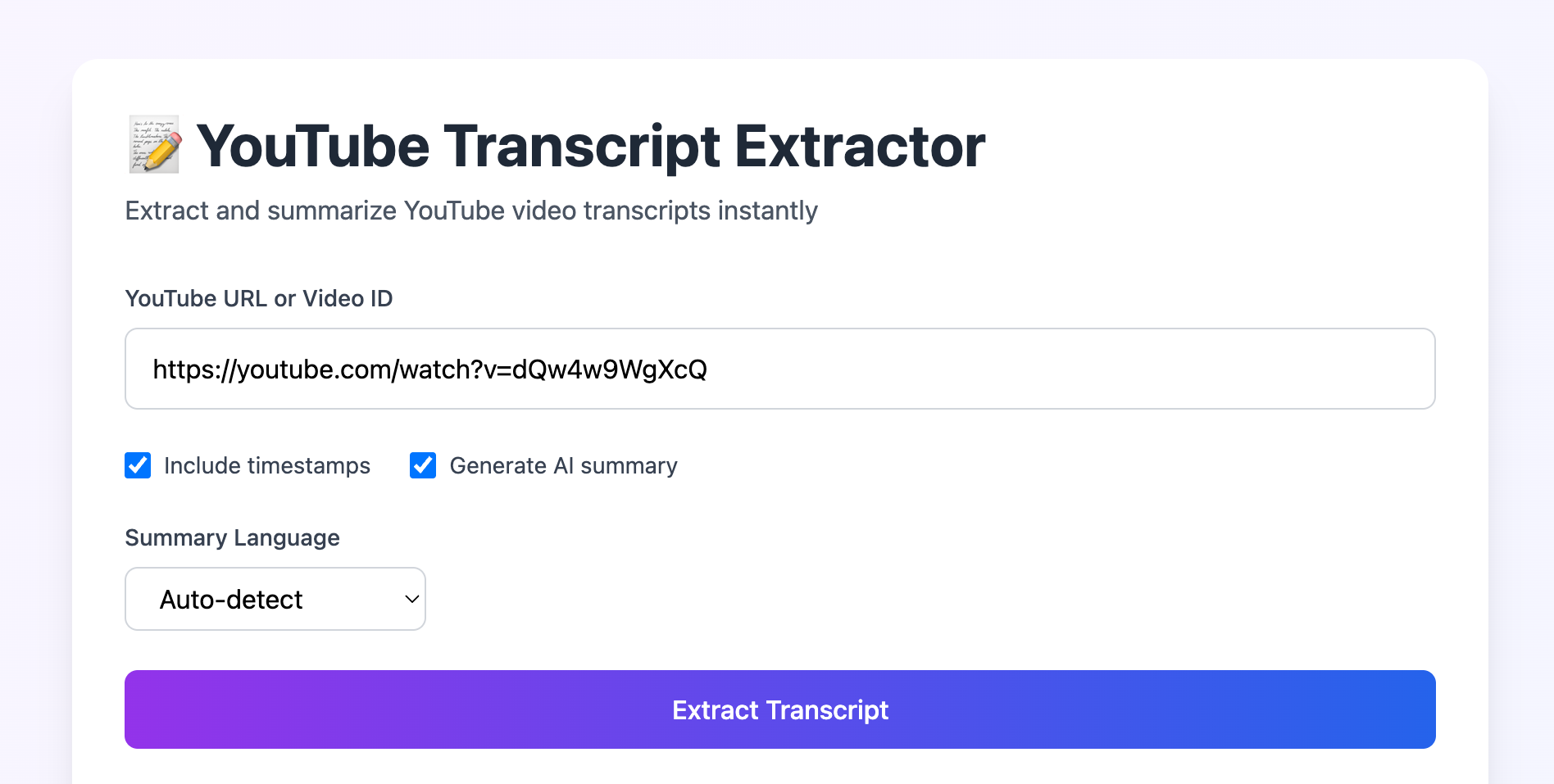
- The tool introduced here is a Python tool (CLI & GUI) that extracts YouTube video transcripts and even automatically creates summaries using the Google Gemini API.
2. What This Tool Can Do
Main Features
- 🎥 Transcript Extraction: Stable extraction using
yt-dlp - 🔗 Robust ID Extraction: Extract Video ID from various YouTube URL formats
- 📝 Markdown Format Output: Easy-to-read markdown format with timestamps
- 🔧 Flexible Output Options: Customize timestamps, summary inclusion, etc.
- 🤖 AI Summary Function: Structured summaries by Gemini API (selectable in Japanese or English)
- Tutorial videos: Transcribe and summarize key points
- University lecture videos: Automatically generate summary notes for review
- English videos: Efficiently learn through transcription & Japanese summary
- Long conference videos: Quickly grasp the main points
3. About the Code Structure
This repository offers two ways to use it:3.1. CLI Version
3.1.1. Modularized Version main.py
main.py                     # Main script
├── url_extractor.py        # URL/Video ID extraction
├── transcript_processor.py # Transcript processing
├── gemini_api.py           # AI summary generation
└── utils.py                # Utility functions
3.1.2. All-in-One Version all.py
If you want to keep it simple with one file, use all.py which integrates all features.
3.2. GUI Version Using FastAPI app.py
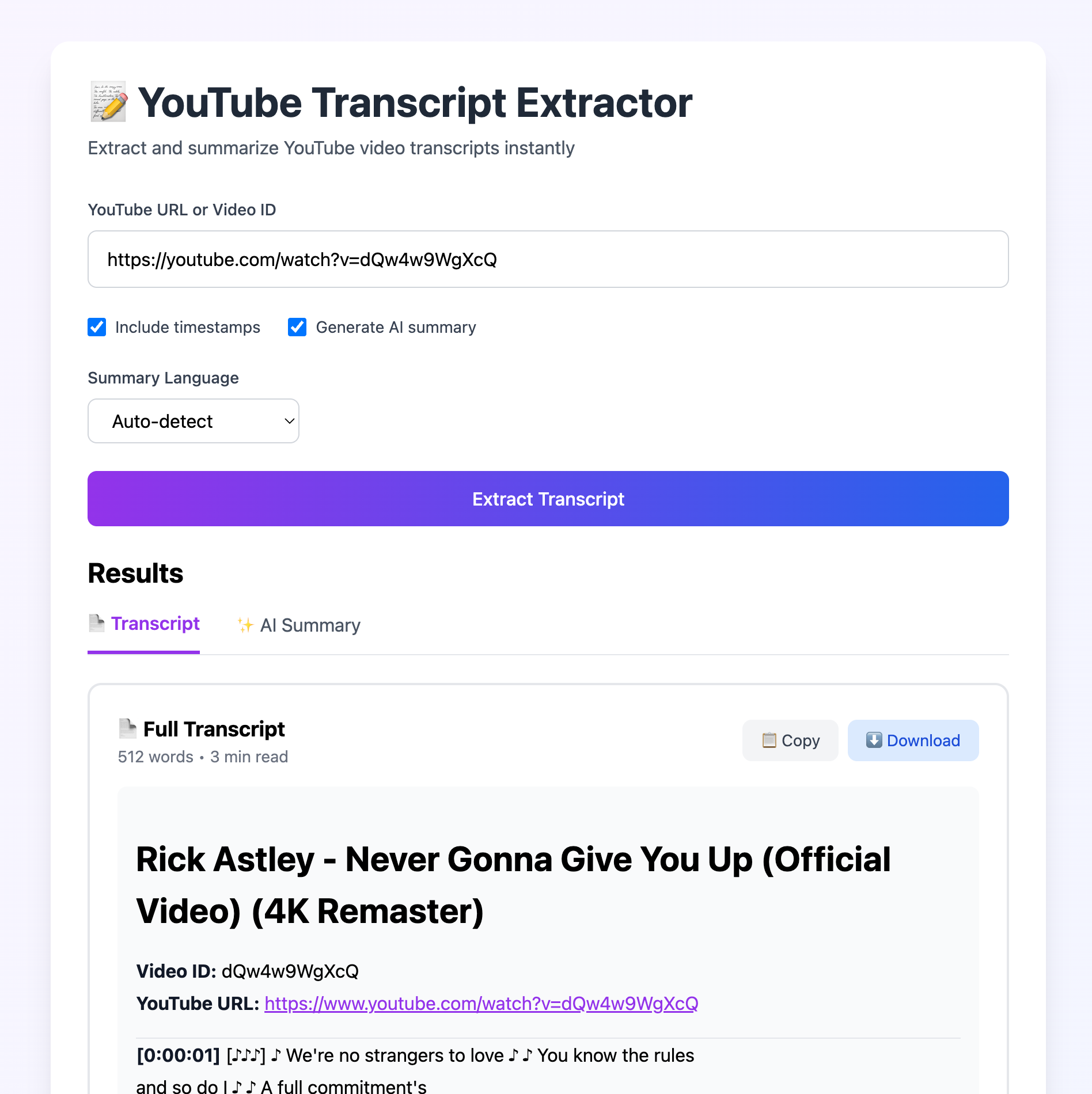
You can also start app.py and use it with a UI like the following:
4. Installation
4.1. Download the Script
Clone or download the repository from GitHub:git clone https://github.com/kkensuke/yt_dlp_transcript
cd yt_dlp_transcript4.2. Install Required Libraries
pip install yt-dlp

# If using `app.py`, also install fastapi and uvicorn
pip install fastapi uvicorn
4.3. (Optional) Gemini API Setup
If you want to use the summary feature, you need a Gemini API key:- Obtain an API key from Google AI Studio
- Set the environment variable:
export GEMINI_API_KEY="YOUR_GEMINI_API_KEY" - You can also set it directly in each file (
main.py,all.py,app.py):GEMINI_API_KEY = "YOUR_GEMINI_API_KEY"
5. Basic Usage
5.1. Using the GUI
Run the following and openhttp://localhost:8000 in your browser. Extraction takes about 10 seconds.
python app.py5.2. Simple CLI Usage
# Specify a YouTube URL
python main.py 'https://www.youtube.com/watch?v=VIDEO_ID'

# Or just the Video ID works too
python main.py 'VIDEO_ID'all.py.
This will generate two files:
{video_id}_transcript.md- Transcript with timestamps{video_id}_summarized.md- AI-generated summary (when API key is set)
5.3. Example of Generated Files
Transcript File (transcript.md):# Introduction to Python Programming
**Video ID:** ABC123
**YouTube URL:** https://www.youtube.com/watch?v=ABC123
---
**[00:00:15]** Hello, today I will explain the basics of Python programming.
**[00:01:30]** First, let's discuss variables. A variable is like a box for storing data.# Introduction to Python Programming - Summary
## 📝 Summary
This video covers basic Python concepts including variables, data types, and control structures...
## 🔑 Key Concepts and Keywords
- **Variable**: Container for storing data, Importance (High)
- **Data Type**: Integers, strings, lists, etc., Importance (High)
## ✨ Important Points
- Python is a beginner-friendly programming language
- Using variables allows for efficient data management
...6. Detailed Options
6.1. Remove Timestamps
If you don't need timestamps:python main.py 'VIDEO_URL' --no-timestamps6.2. Skip Summary
If you only want the transcript:python main.py 'VIDEO_URL' --no-summary6.3. Specify Summary Language
If the video is in Japanese but you want the summary in English:python main.py 'VIDEO_URL' --summary-lang enpython main.py 'VIDEO_URL' --summary-lang ja6.4. Custom File Name
If you want to specify an output file name:python main.py 'VIDEO_URL' -o my_custom_transcript.md7. Practical Use Cases
7.1. Case 1: Automatic Lecture Note Generation
# Create Japanese summary notes from university lecture videos
python main.py 'LECTURE_VIDEO_URL' --summary-lang ja -o lecture_note.md- Summary of key points for review
7.2. Case 2: Creating English Learning Materials
# Get transcripts of English videos (no summary needed)
python main.py 'ENGLISH_VIDEO_ID' --no-summary- Answer checking for listening practice
- Confirming unknown words or phrases
7.3. Case 3: Summarizing Technical Conference Videos
# Extract key points from long technical conference videos
python main.py 'https://www.youtube.com/watch?v=CONF_VIDEO' --summary-lang ja- Grasp the main points of a 1+ hour video in 5 minutes
8. Troubleshooting
8.1. Gemini API Errors
- Verify that the API key is correct
- Check quota at Google AI Studio
8.2. yt-dlp Extraction Failure
- Update
yt-dlpif it's outdated:pip install -U yt-dlp - If daily usage limit is exceeded, wait until the next day
9. Customization Ideas
9.1. Adjusting Summary Prompts
You can change the summary style by customizing the prompt ingemini_api.py:
# Example: For more technical summaries
prompt = f"""
You are an experienced software engineer.
From the following technical video transcript, extract specific information useful for implementation.
- Emphasize best practices
- Include cautions and common mistakes
...
"""
9.2. Handling Long Texts
For transcripts longer than 50,000 characters, adjustMAX_SUMMARY_LENGTH in main.py:
MAX_SUMMARY_LENGTH = 100000 # Support for longer videos10. Summary
Using this tool, you can efficiently extract information from YouTube videos:- ✅ Time Saving: Grasp key points with summaries when you don't have time to watch long videos
- ✅ Enhanced Learning: Easier review with transcripts
- ✅ Crossing Language Barriers: Collect information with English video → Japanese summary
- ✅ Knowledge Base Building: Accumulate technical videos as text materials
Reference Links: